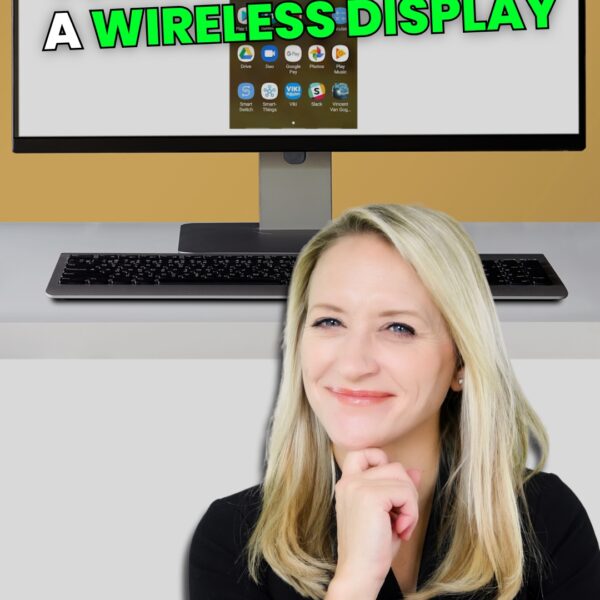
Windows 11’s built-in Wireless Display feature lets you mirror your phone or laptop screen to your PC in minutes, no extra software needed.
Recent Articles
Tech Tip Video – Never lose track of an important email again
Stop losing track of important emails. Learn the simple Outlook flagging trick that syncs to Microsoft To Do, turning your inbox into an action list instead of a pile of forgotten messages.

Tech Tip Video – Stop files opening in the wrong app
Tired of files launching in the wrong program? This short video walks you through the fast Windows 11 setting that lets you pick your default apps in just a few seconds.
Tech Tip Video – This is safer and faster than a password
Stop wasting time rebuilding documents. Discover a simple Microsoft Word trick that lets you reuse content quickly and boost productivity in minutes.
Tech Tip Video – Stop recreating documents. Use this Word trick instead
Stop wasting time rebuilding documents. Discover a simple Microsoft Word trick that lets you reuse content quickly and boost productivity in minutes.

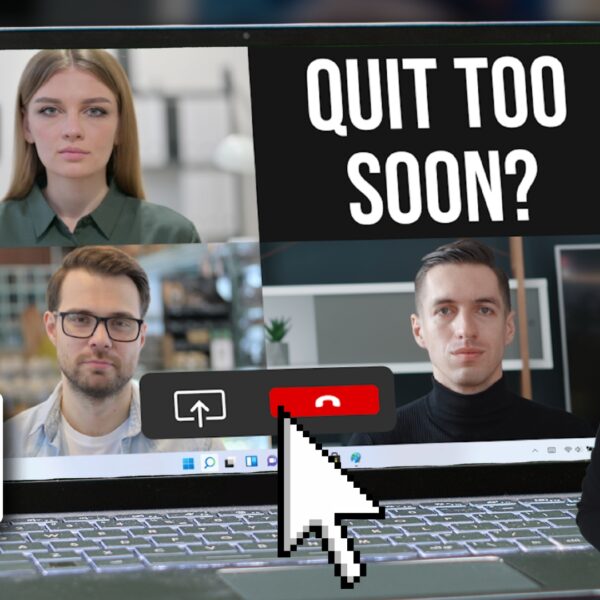
Tech Update Video – Teams update: No more accidental quitting
Learn how the latest Microsoft Teams update prevents accidental quitting, improving meeting reliability and user experience. Discover what changed, why it matters, and how it enhances productivity across your organization.
Tech Tip Video – How to turn your phone into a document scanner
Learn how to turn your phone into a document scanner quickly and easily. Discover simple steps to scan, save, and share documents using your smartphone.
Tech Update Video – Is this the top productivity app in Windows 11?
Discover the best productivity app for Windows 11 in this quick tech update video. Boost efficiency with powerful tools and features.
Tech Tip Video – Need proper focus time? Mute Teams in seconds
Quickly reclaim your focus time by learning how to mute Microsoft Teams in seconds. Watch this simple tech tip video to reduce interruptions and stay productive.

Tech Tip Video – Reduce interruptions with Windows 11 Focus
Learn how to reduce interruptions in Windows 11 using Focus mode. This quick tech tip video shows how to stay productive and minimize distractions.