Stop wasting time rebuilding documents. Discover a simple Microsoft Word trick that lets you reuse content quickly and boost productivity in minutes.
Recent Articles

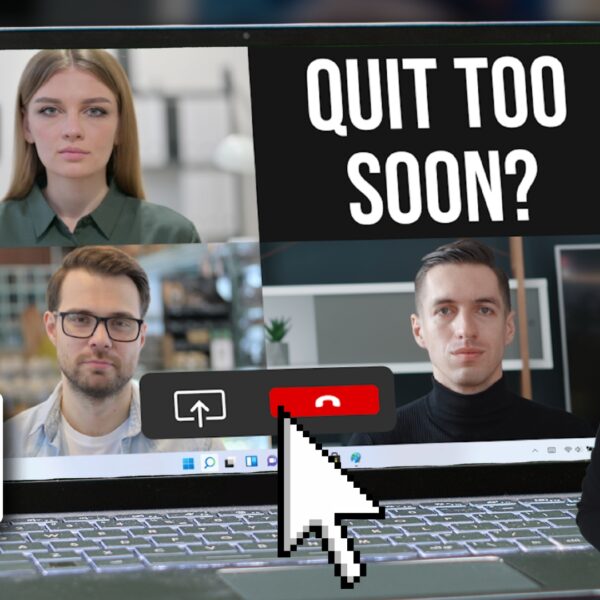
Tech Update Video – Teams update: No more accidental quitting
Learn how the latest Microsoft Teams update prevents accidental quitting, improving meeting reliability and user experience. Discover what changed, why it matters, and how it enhances productivity across your organization.
Tech Tip Video – How to turn your phone into a document scanner
Learn how to turn your phone into a document scanner quickly and easily. Discover simple steps to scan, save, and share documents using your smartphone.
Tech Tip Video – Need proper focus time? Mute Teams in seconds
Quickly reclaim your focus time by learning how to mute Microsoft Teams in seconds. Watch this simple tech tip video to reduce interruptions and stay productive.
Tech Tip Video – Try this easy way to remember tasks
Discover an easy way to remember tasks using Microsoft To Do. Replace sticky notes with a simple, organized task system built into Microsoft 365.

Tech Tip Video – Need to edit a PDF? Do this in Word
Need to edit a PDF quickly? Learn how to open and edit PDF files directly in Microsoft Word with this simple, time‑saving tech tip.
Tech Update Video – Another good reason to enforce MFA
Learn another compelling reason to enforce multi‑factor authentication. This tech update video explains how MFA strengthens security and reduces risk.
Tech Tip Video – How to apply a tag in OneNote
Learn how to use tags in Microsoft OneNote to organize notes, track to‑dos, and quickly find important information using the Find Tags feature.
Tech Tip Video – Quickly catch up on a long email chain
Quickly catch up on long email threads in Outlook using Copilot’s one‑click summary. See key points, contributors, and action items in seconds.

Tech Update Video – Microsoft finally fixes these Teams issues
Microsoft finally resolves long‑standing Teams frustrations, including Enter key control and forwarding multiple messages—small updates that make daily collaboration smoother.