Microsoft is a pioneer in the tech industry and this new AI era. It continues to lead the way with innovative solutions designed to empower businesses. One such innovation is Microsoft Sales Copilot.
Recent Articles

Should Your Business Upgrade to the New Microsoft Intune Suite?
Microsoft Intune is a software tool that helps you manage your company’s devices, Help Desk, cybersecurity, and apps in one place.

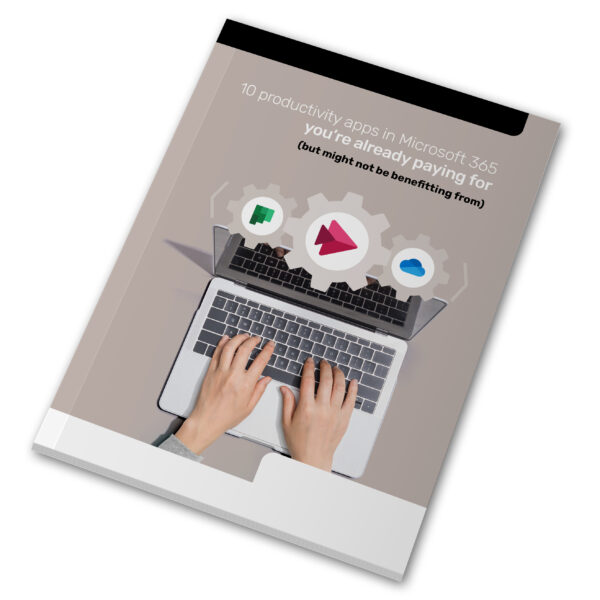
September Guide 2023 – 10 productivity apps in 365 you’re already paying for (but might not be benefitting from)
Microsoft 365 is essential software for millions of businesses. It’s a comprehensive platform designed to boost your business’s productivity.
Have You Tried Out Microsoft Designer Yet? (Get the Scoop Here)
Microsoft Designer offers a range of features to streamline your design process. With AI features and a interface, elevating your design.

Have You Tried Microsoft Universal Print? (Learn What It Can Do for You)
Microsoft has devised an answer to streamline print management called Microsoft Universal Print. It offers an answer to print problems.

Learn How Microsoft 365 Copilot Is Going to Transform M365 Apps
Microsoft is introducing transformative technology. The company is about to transform Microsoft 365 in a big way with its new Copilot tool.

How to Create Insightful Dashboards in Microsoft Power BI
Data visualization is a powerful tool for communicating complex data. It presents it in a simple, easily understandable format. But it is not enough…

June Newsletter 2023
Thinking of moving to a smaller office? Or going fully remote?
Microsoft 365 adds a security boost to its print function
Are you asking ChatGPT the right questions?
Windows 11’s new snipping tool

How to Use the New Virtual Appointments in Microsoft Teams
Scheduling appointments is an everyday activity. Salespeople often set up virtual appointments to answer questions about a product. Software companies allow people to schedule…

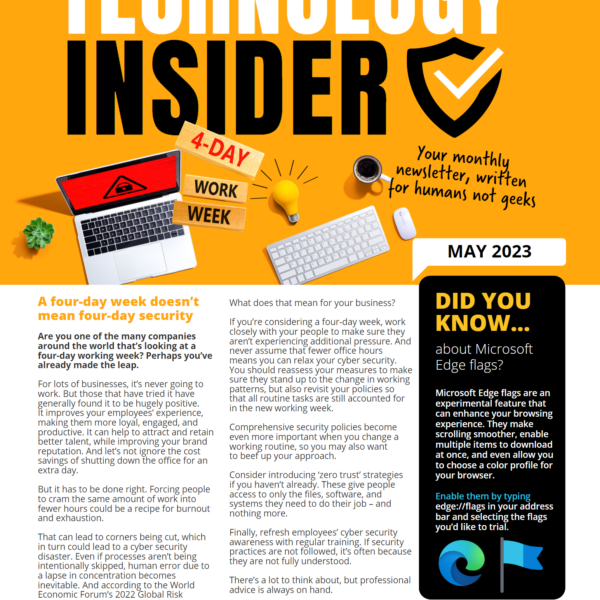
May Newsletter 2023
Do your people use their phones for work?
Microsoft 365 supports more flexible working hours
Could ‘Edge flags’ improve your browsing experience?
Don’t waste money on unused software licenses