
When rival ransomware gangs turn on each other and offer to “help” victims, it’s not an opportunity, it’s still a con. Here’s why recovery should never depend on trusting an attacker.
Recent Articles

Tech Tip Video – Check this before entering your password online
Before you log into any website, check the address bar for a padlock icon and ‘https://’. No padlock or a browser warning? Stop before entering your password or payment info.

What to Do in Case of a Cyberattack (Step by Step)
The first hour after a cyberattack matters most. Here’s the step-by-step plan: disconnect devices, call your IT provider, preserve evidence, and where to report it.

Tech Update Video – Here’s what’s new in Copilot Wave 3
Microsoft Copilot is evolving from assistant to AI teammate. Copilot Wave 3 adds AI agents, a smarter Work IQ, and new governance tools for Microsoft 365.

Tech Tip Video – Too many tabs? Split your work into separate desktops
Windows lets you create separate virtual desktops for different tasks, so email, projects, and research each get their own clutter-free workspace.

What Are Passkeys, and Should Your Business Use Them?
Passkeys let you sign in with a fingerprint, face, or PIN instead of a password, and they can’t be phished or reused. Here’s how they work and how to start rolling them out.

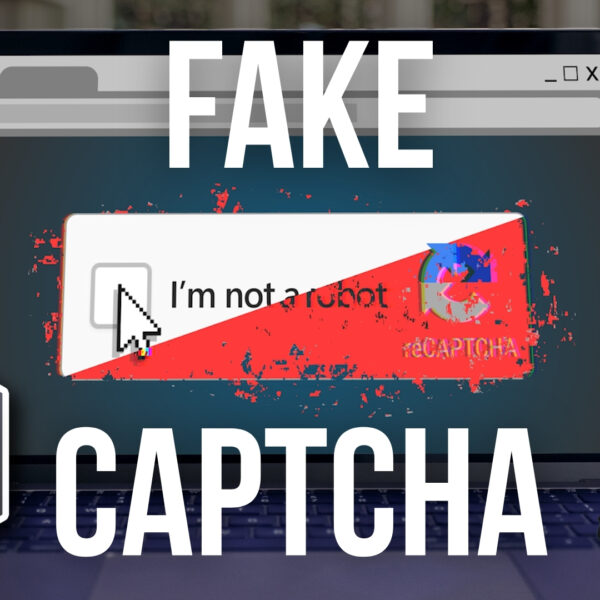
Tech Update Video – Warning: Don’t fall for fake CAPTCHAs
That familiar “prove you’re not a robot” box can hide a scam. Some fake CAPTCHA pages trick you into texting a premium number instead, racking up phone charges. Here’s how to spot one and what to do if you see it.
Tech Tip Video – Not sure you trust that file? Open it safely like this
Got a suspicious attachment or download? Windows Sandbox lets you open and test it in a disposable, isolated environment, so nothing touches your main PC.

Tech Update Video – Should you ban AI on Fridays?
Should you ban AI on Fridays? Not really, but end-of-week fatigue makes it easier to trust AI output without checking it. Here’s how to build better AI habits instead.

Tech Tip Video – Can’t find your cursor? Fix that in seconds
Losing track of your mouse cursor? Windows has a built-in fix: resize it, recolor it, or add pointer trails so it’s always easy to spot on screen.